Key takeaways
- Make service type, coverage and the estimate button clear on the first screen.
- Collect enough move details for a useful reply without demanding a full inventory at first contact.
- Verify the request inside the office's actual system before calling the form ready.
- Check the phone layout, error messages and keyboard navigation before launch.
Looking for a team to build the site? See our moving company website design service, including real client examples and the free homepage preview. Use this checklist to review an existing site or prepare a project brief.
A moving company website needs to help someone check your services, trust your business and request an estimate. Start the review with that path. Open the site on your phone, pretend you need an apartment move, and see how much work it takes to ask for help.
Our moving-company website and marketing work starts with the same practical question: what does the customer need to know, and what does your office need to receive? A good-looking homepage still needs clear answers at both ends.
Make the first screen useful
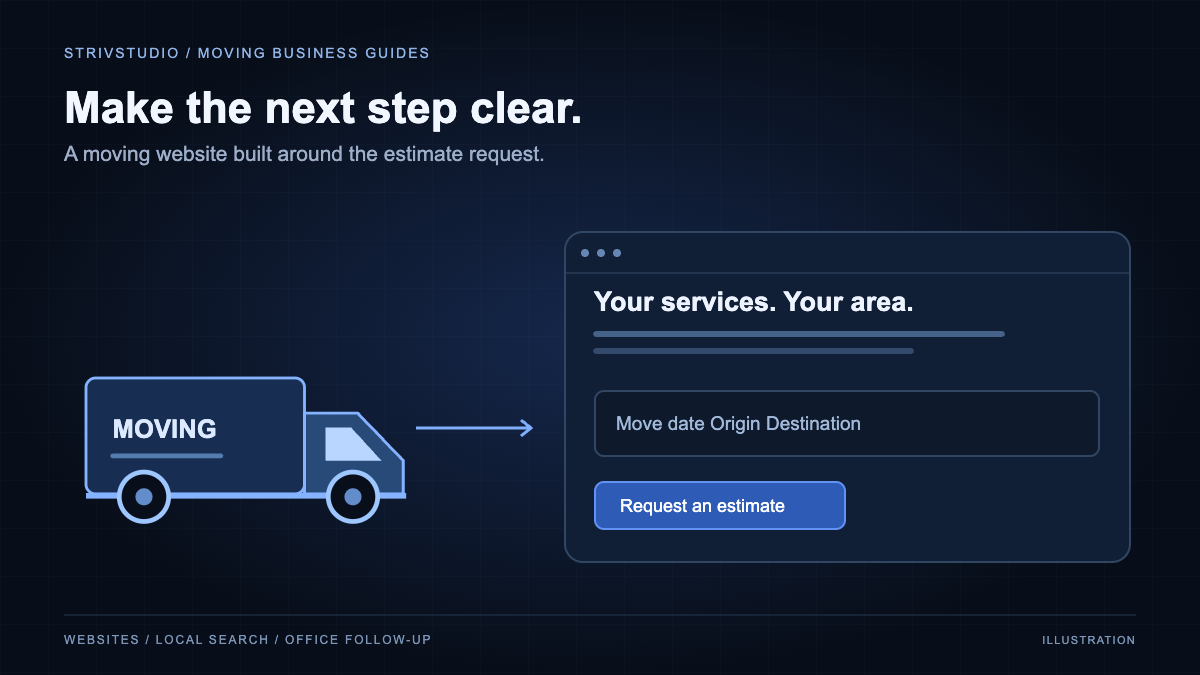
Name the kind of moving you do and the area you serve near the main heading. Keep a call link and a clearly labeled estimate button within reach. A visitor should not have to open a menu to find out whether you handle local household moves or only provide loading help.
Read the main button literally. If it says "Book your move" but the next step is a request for a callback, change the label. "Request an estimate" sets the right expectation when an estimator still needs to review the job.
- State the main service and service area in ordinary language.
- Use one primary estimate path and a visible phone option.
- Explain when the office answers, using hours the team can keep.
- Keep a chat launcher from covering the button on a small screen.
Give different moves different explanations
A labor-only customer needs to know who supplies the truck. Someone moving an office wants to understand scheduling and equipment. A packing customer needs to know whether materials and unpacking are part of the service. Put those answers on the relevant pages.
Build pages for services you actually sell. A local mover does not need an interstate page just because a competitor has one. Where a service depends on distance, item type or availability, explain how the office confirms it. Link service pages to the estimate form so a reader can act without returning to the homepage.
The same care applies to local pages. A town name alone adds little. Useful coverage details, approved job photos and answers about access or scheduling give the page a reason to exist. See our local SEO guide for movers for a practical page plan.
Ask for the details needed for the next conversation
For an initial moving inquiry, consider the customer's name, preferred contact method, move date, origin and destination, broad move size and requested service. Your estimator should decide what must be required. If a ZIP code is enough to check coverage, a full street address can wait until it is needed.
Leave room for an uncertain date or an unusual item. A customer who does not know the destination apartment number should still have a sensible way to reach the office. Save detailed inventory, access instructions and photos for a later step when that suits your estimating process.
W3C's accessible forms guidance recommends asking only for information needed for the process. Its form instructions tutorial also explains how to identify required fields and expected formats. On a moving form, that means persistent labels, understandable date input and useful instructions beside the field.
Give people something real to check
Use your own approved crew, truck and job photos. Place current credentials where a customer can find them, and link reviews to their source. Verify the business name and the credential details before publishing them. An attractive badge should never suggest an affiliation or accreditation the business does not hold.
If you show a starting rate, explain its conditions and what the office must confirm. If you do not publish prices, explain how the estimate works: what information you need, whether a survey is involved and what happens after the request. A description of the process is more useful than "call for details" repeated across the site.
Follow a test request into the office
Arrange one clearly labeled test with the business owner before launch. Confirm the customer details appear in the intended CRM or inbox. Check the move date, service, origin and destination individually. Then check the office notification separately; a saved record does not establish that anyone received an email.
Test failures as well. If the receiving service rejects the request, the page should explain the problem and keep the customer's details available for retry. W3C's notification guidance calls for clear success and error feedback. An estimate request should receive confirmation only after the system has accepted it.
Finish with a phone and keyboard review
Visit the homepage, a service page and the estimate form on a small phone. Open the menu, follow the call link without placing a call, zoom the text and move through the form using the keyboard. Check that labels remain readable and that an error explains what to fix. Review the confirmation with reduced motion enabled too.
Write down who owns the domain, hosting and lead destination, and who receives a report when something breaks. Once the website works, use the quote follow-up checklist to check what happens after the request reaches the office.