Key takeaways
- Choose the services and pickup areas the business wants before choosing keywords.
- Match the landing page and location settings to the actual moving request.
- Define a qualified lead with the office and keep it separate from a button click.
- Set a spending limit and a review routine using your own estimates and booking records.
In this article
- 1Choose the jobs the campaign should bring in
- 2Think about the customer's origin and destination
- 3Separate useful searches from the wrong intent
- 4Match the page to the promise in the ad
- 5Measure the steps the office can verify
- 6Agree on a spending limit and review routine
- 7Bring a shared review sheet to the next meeting
Before a moving company starts Google Ads, it needs a defined service area, a page that matches the advertised move and a reliable way to handle and measure inquiries. Start with a campaign the office can evaluate. Add reach after you know which requests fit the business.
This guide covers preparation for a Google Search campaign. The recommendations below are a starting framework; the right budget and campaign settings depend on your services, territory and booking records. We do not use a universal cost-per-lead promise for movers.
Choose the jobs the campaign should bring in
Write down the move types you want, the places you can profitably serve and the dates the crew can handle. Keep exclusions beside them. If the company provides loading help but no truck, say so. If it takes local moves only, the campaign and landing page should make that boundary clear.
Ask the office to define a qualified inquiry in terms it can apply consistently. A possible definition is a reachable customer requesting an offered service, with an origin and destination you can serve and a date worth discussing. Adapt that definition to your operation before the first lead arrives.
Confirm that the company details and advertised service claims are current. A campaign should not promise a kind of move the business cannot perform. Collect approved offer terms, actual service conditions and the right phone number before writing ads.
Think about the customer's origin and destination
A mover's geography is more complicated than a radius on a map. Someone searching for a move into your city may still live elsewhere. Someone already in your city may be moving beyond your operating area. Ask which of those jobs you want before selecting the campaign's location options.
Google's advanced location settings distinguish people present in an area from people showing interest in it. For a local pickup campaign, presence targeting is a reasonable starting option to review. A campaign aimed at people relocating into your market may need a different plan. That is a business decision, not a setting to copy without checking.
After launch, review location reporting alongside the move details in the inquiries. Location targeting uses signals and is not exact. The origin, destination and service type supplied by the customer are the office's final qualification checks.
Separate useful searches from the wrong intent
Build an initial keyword list around the services you actually offer. Keep materially different services organized so the ad can send each customer to the right page. An office-moving inquiry and a labor-only request should not have to decode the same generic message.
Review possible exclusions such as employment searches, truck rentals, free boxes and services you do not provide. These are examples to investigate, not a negative list to paste into every account. A mover that sells packing supplies could lose useful searches by excluding "boxes" broadly.
Negative keywords prevent ads from appearing for matching unwanted searches, and their match behavior needs review. Check the available search terms regularly and ask whether each belongs to a customer your office could help.
Match the page to the promise in the ad
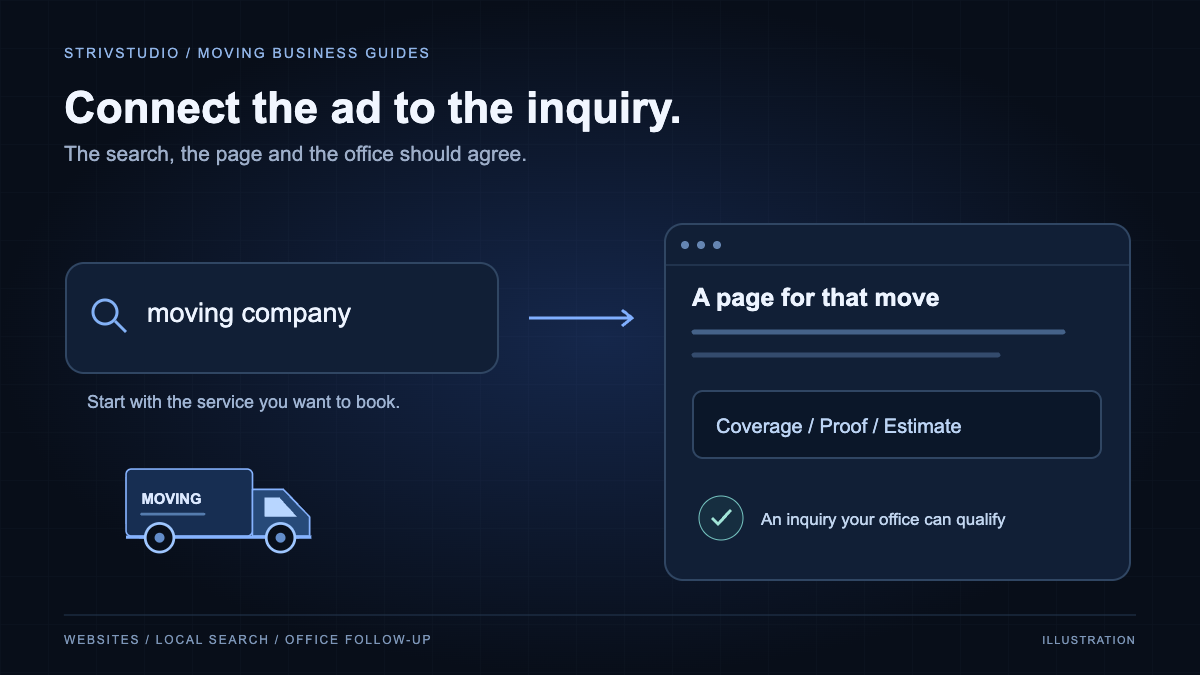
The landing page should confirm the advertised service and coverage near the top. Show real company proof, explain the estimate process and keep the call and quote options easy to use. If the ad mentions an offer, the page needs the same offer and its conditions.
Ask for the details needed to judge the request. A move date and the two locations are usually more useful to an estimator than a vague "How can we help?" box alone. Let the business decide whether move size or access details belong in the first form or the follow-up.
Use the moving website checklist to review the phone layout and form behavior. Arrange an approved test of receipt and notifications before directing paid visitors to the page.
Measure the steps the office can verify
Keep a phone-button click, a connected call, an accepted quote request and a booked move distinct in reporting. A click can show intent without producing a conversation. A received form can still be outside the service area. Name the events so those differences remain visible.
Google supports qualified-lead and converted-lead goals using later outcomes from your lead process. Decide which office status represents each outcome, then validate the connection before using it to judge or optimize a campaign. Track the original inquiry consistently so repeated updates do not become new leads.
The person handling inquiries should know where the source information appears and how to record the outcome. If the office cannot tell you which requests became estimates or bookings, fix that reporting gap while the campaign is still small.
Agree on a spending limit and review routine
Use current forecasts for your selected geography and keywords, then compare them with your own job economics. Include management and tracking costs when evaluating total acquisition cost. Set a limit the owner has approved and decide what evidence would justify increasing it.
Schedule a review with whoever answers the phone. Look at spend, relevant searches, qualified inquiries, estimate progress and bookings together. If poor-fit requests dominate, review targeting and the page. If suitable customers never receive a reply, work on quote follow-up before increasing the budget. Our moving-company marketing page explains the website and lead-flow work we can prepare.
Bring a shared review sheet to the next meeting
Keep the date range, ad spend, received inquiries, qualified inquiries and bookings in one view. Add the reasons unsuitable requests were rejected. Coverage, service mismatch, unreachable contacts and unavailable dates suggest different changes.
Compare acquisition cost using the same cost basis each time. Include advertising, management and relevant tracking costs when calculating the total cost per booked move. Allow time for an estimate to become a booking and avoid counting repeated contacts about the same job as new leads.
Our moving lead generation guide explains how to compare channels. If you want help implementing this plan, see PPC management for moving companies. The service scope separates campaign work, landing pages and tracking so the office knows what is being prepared.